Built exclusively for 360° panoramas

Blur every face & plate in your panoramas — automatically.

Privacy Keeper anonymizes faces and license plates across full 360° equirectangular images up to 32K — in seconds, entirely on your own machine. No cloud. No uploads. No manual masking in Photoshop.

7-day free trial No credit card Windows 10 / 11
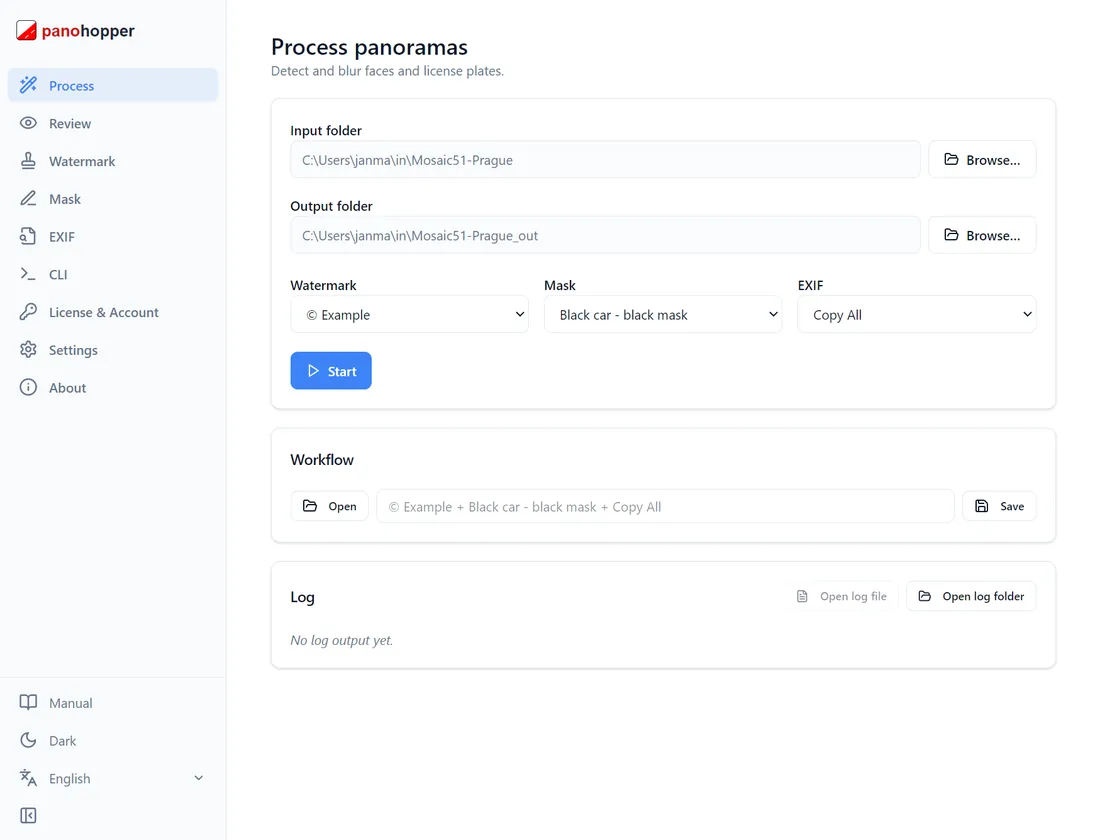
Privacy Keeper desktop app processing a batch of 360° panoramas
32K
Max resolution
~9s
Per 12K panorama
100%
Offline · zero cloud
0
Telemetry · data sent
Works with Mosaic 51 / X Insta360 X5 · X4 · X3 Insta360 Pro / Titan GoPro MAX Equirectangular JPG

Anyone can blur a face. Privacy Keeper ships the deliverable.

Cloud blur-only tools

  • Your raw street-level imagery is uploaded to someone else’s servers
  • Blur and nothing else — no watermarks, masks or EXIF control
  • Branding, vehicle masking & metadata get fixed later in separate tools
  • Every job set up by hand — no repeatable, scriptable workflow

With Privacy Keeper

  • 100% offline — raw imagery never leaves your hardware
  • Blur + custom watermarks + multi-vehicle masks + EXIF copy and editing, in one pass
  • Save a workflow once, reload it for every job on the Process page
  • Automate headless — apply the same workflow JSON across thousands of panoramas via CLI

The only blurring tool built for 360°

Dual-model 360° AI

Two neural networks — one for faces, one for plates — trained on real 360° panoramic imagery. Not a flat-photo model bolted onto panoramas.

Review every detection

Inspect every panorama at full resolution, add anything missed, remove false positives. Human oversight without losing the speed of automation.

GDPR by design

Zero telemetry, zero network calls, zero cloud. Originals are never modified, and every run writes an audit log your DPO can file.

GPU-fast batch & CLI

CUDA acceleration with automatic CPU fallback, batch folders, plus a CLI with JSON output for headless server pipelines.

Trusted across industries that capture public spaces

Anywhere 360° imagery includes people and vehicles, anonymisation is a legal requirement — and an offline workflow is often non-negotiable.

See how surveying & mapping teams use Privacy Keeper →

Faces & plates, automatically redacted

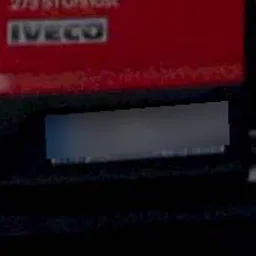
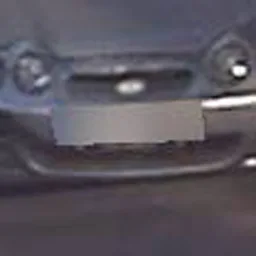
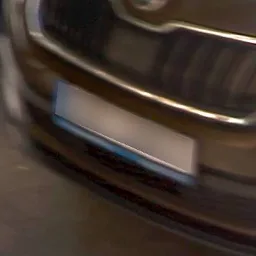
Actual output from production 360° captures — hover to see what the detector caught.

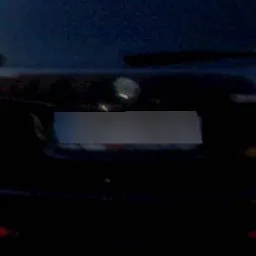
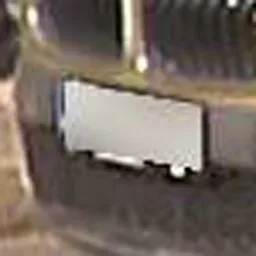
License plate automatically blurred
Face automatically blurred

From raw capture to compliant deliverable

Load

Point Privacy Keeper at a folder of 360° panoramas. Apply a saved mask & watermark profile in one click.

Process & review

The GPU batch runs in seconds. Review detections at full resolution and fix anything by hand if you need to.

Export

Anonymised images export with EXIF, GPS & camera metadata intact. Originals stay untouched. An audit log is written.

Try it on your own panoramas →

Side by side with the alternatives

Privacy Keeper Gallio PRO Celantur brighter AI
Built natively for 360° equirectangular ✓ Native ✗ Flat-image first ✗ Mobile mapping ✗ Video-first
100% offline — zero cloud ✓ No network calls ✓ On-premise ✓ On-prem container ✗ Cloud processing
Custom watermark branding ✓ Full typographic control
Multi-vehicle mask editor ✓ Per-vehicle profiles
EXIF metadata — copy and edit ✓ Copy all + edit ⚠️ Copy, varies ⚠️ Copy, varies ⚠️ Copy, varies
Built-in manual review editor ✓ Full-resolution ✓ Included ✗ Automated only ✗ Automated only
Save & load GUI workflows ✓ One-click profiles
CLI automation — apply workflow JSON ✓ CLI + JSON ✓ API (Docker) ✓ SDK
Free trial — no credit card ✓ 7 days, full features ⚠️ Watermarked ✗ Demo by request ✗ Demo by request
Desktop install (no Docker) ✓ Windows .exe ✓ Win/Mac/Linux ✗ Docker required ✗ Cloud / SDK

Full comparisons: vs. Gallio PRO →  ·  vs. Celantur →  ·  vs. brighter AI →

Fast on the hardware you already own

Camera / FormatResolutionGPU TimeCPU Time
Mosaic 5112,288 × 6,144 px~9 s~26 s
Insta360 X48,192 × 4,096 px~4.3 s~15 s
GoPro MAX5,760 × 2,880 px~2.3 s~9 s

Measured on an NVIDIA RTX 3090 and AMD Ryzen 9 7950X3D. Scales efficiently across GPUs from 4 GB to 24 GB VRAM; automatic CPU fallback when no GPU is present.

Made for operators who can’t ship a missed plate

“We process thousands of panoramas a month for municipal clients. Manual blurring used to cost us 15–20 hours a week. Now it’s a short review after the batch finishes.”

Operations lead360° mobile-mapping fleet, DACH

“It was the only tool that handled equirectangular seams without stitching artefacts. The others are adapted from flat-image workflows — that difference shows at scale.”

Lead engineerStreet-view capture company, NL

“Our data protection officer required a fully offline solution — no cloud, no uploads. The per-run audit log gives our legal team exactly what they need for GDPR documentation.”

GIS directorRegional surveying authority, PL

Representative feedback from early customers. Named references available on request.

Start free. Buy how it suits you.

No image limits. No hidden fees.

Free Trial

€07 days

All features.
Trial branding

  • Face & license plate blurring
  • Review
  • Watermarks
  • Mask
  • EXIF
  • GPU & CPU processing
  • Updates
Download & Try Free

Pro

€179per month

Everything in Starter
+ GUI workflow
+ CLI workflow

  • Face & license plate blurring
  • Review
  • Watermarks
  • Mask
  • EXIF
  • GPU & CPU processing
  • Updates
  • GUI workflow
  • CLI workflow
Subscribe

Which plan fits you?  Desktop work → Starter · Professional mass production → Pro
Fixed-budget, multi-year project → Perpetual

See one-time-purchase plans →

Common questions

Yes. Privacy Keeper runs 100% offline — there are zero network calls, no telemetry, and no cloud processing. Your raw panoramas stay on your own drive, and original files are never modified.
Yes — 7 days, every feature unlocked, no credit card required. The only limitation is that watermarks and masks carry a small “© PanoHopper” mark during the trial. Download it here.
Every metadata field — GPS coordinates, camera make/model, lens, heading, timestamps — is copied byte-for-byte to the anonymised output, so your Google Street View, Mapillary, and client workflows keep working.
No. A CUDA GPU gives you the fastest times (~9s for a 12K Mosaic 51 panorama), but Privacy Keeper falls back to CPU automatically with zero configuration if no GPU is available.
Start with the free trial on your own panoramas before paying anything. Paid licenses are also covered by a 14-day money-back guarantee. See our refund policy.

Protect your next 360° recording in minutes

Download Privacy Keeper and run it on your own panoramas today. 7-day free trial, no credit card, every feature unlocked.

Evaluating for a team or public-sector procurement? Book a demo →

Try Privacy Keeper free for 7 days Full features · no credit card · Windows 10/11