For construction & engineering teams

Share 360° site documentation — with every face & plate blurred automatically.

Capture progress and as-built 360°s across active job sites, then anonymise workers, visitors and vehicles before the imagery reaches clients, subcontractors or the public record. Everything runs offline — sensitive site data never leaves your hardware.

Workers protected 100% offline Batch whole sites
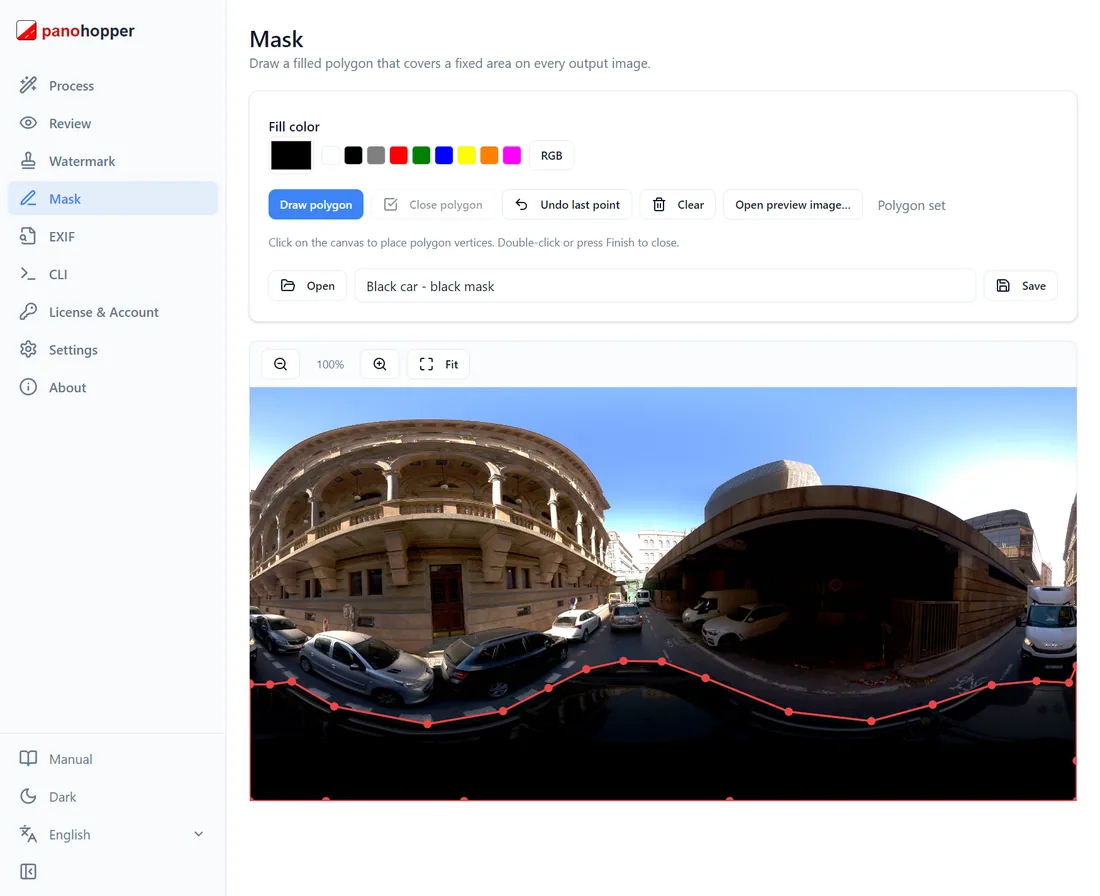
Privacy Keeper mask editor — hide static rig and equipment areas
32K
Resolution supported
100%
Offline processing
0
Cloud uploads
1
Click to batch a site

Your site captures are full of people you can’t legally publish

The usual trade-offs

  • Workers, visitors and passers-by appear throughout site walk-throughs
  • Sharing raw 360°s with clients or subcontractors risks exposing PII
  • Cloud tools mean uploading commercially sensitive site data off-site
  • Manual blurring can’t keep up with weekly progress capture

With Privacy Keeper

  • Faces, plates and bystanders blurred automatically across every frame
  • Everything runs offline — site data stays on your own hardware
  • Batch a whole site walk in one run; mask out fixed rig and equipment areas
  • Deliverables ready to share with clients and stakeholders, safely

Built for the pace of an active site

Protect everyone on site

Faces, plates and bystanders are blurred automatically, so you can share captures without exposing anyone on the job.

Site data stays confidential

100% offline. Commercially sensitive site imagery never leaves your hardware or your client’s.

Mask the rig once

Save a mask profile for your pole, vehicle or backpack rig — mount points, equipment, branding — and reuse it on every capture.

Keep up with weekly capture

Batch entire site walk-throughs unattended, or script it via CLI, so anonymisation never bottlenecks your reporting cadence.

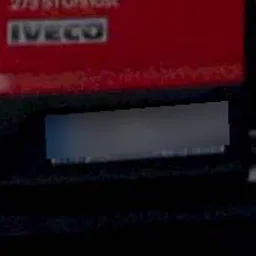
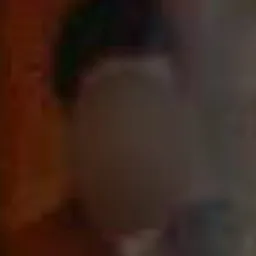
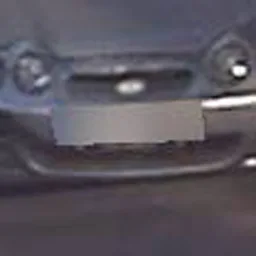
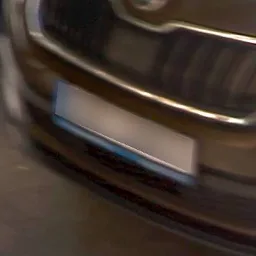
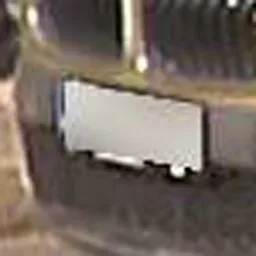
Faces & plates, automatically redacted

Output from production 360° captures — hover to see what the detector caught.

License plate automatically blurred
Face automatically blurred

Works with the cameras site teams run

Mosaic 51 → Mosaic X Insta360 X5 · X4 · X3 Insta360 Pro / Titan GoPro MAX Equirectangular JPG up to 32K

Common questions

Yes — that’s the point. Faces, plates and bystanders are blurred before you hand 360°s to clients, subcontractors or the public record, so no one’s PII is exposed.
Yes. The mask editor lets you permanently hide static areas — pole mounts, vehicle roofs, equipment, branding — with a saved profile per rig you reuse on every capture.
Point it at a folder and batch the entire walk-through, or run the CLI with your saved workflow for unattended overnight processing of thousands of frames.

Anonymise your next site capture in minutes

Download Privacy Keeper and run it on your own site captures today. 7-day free trial, no credit card, every feature unlocked.

Rolling this out across project teams or multiple sites? Book a demo →

Try Privacy Keeper free on your own site captures Full features · no credit card · Windows 10/11